 In SaaS, it is easy to drown in metrics. Dashboards can show hundreds of numbers: ticket volume, logins, feature usage, CSAT, NPS, renewal rates, expansion revenue, onboarding completion, support response times, and dozens more.
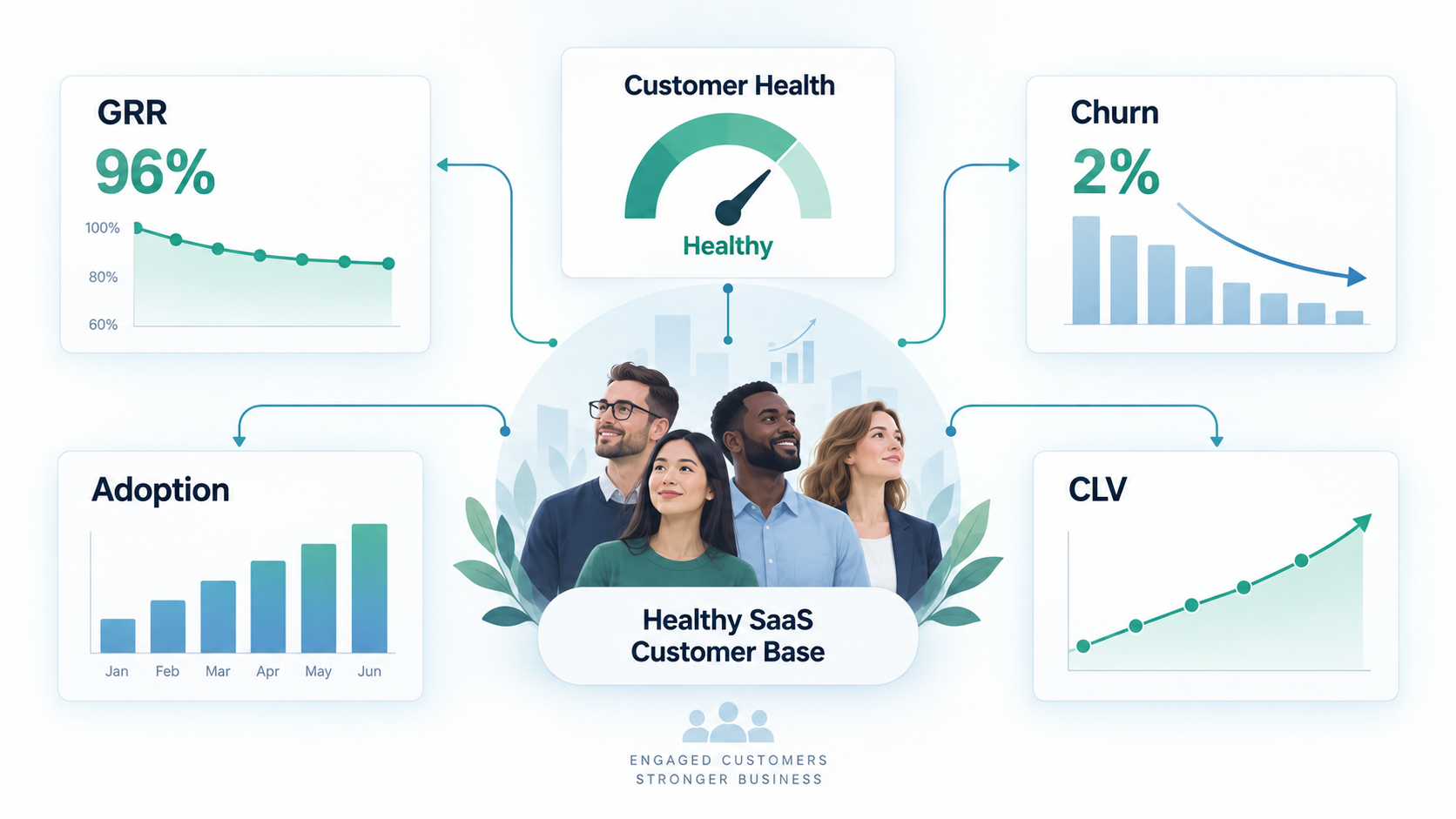
But a smaller group of metrics can tell a much bigger story about whether customers are getting value, staying with you, and contributing to sustainable growth. Five of the most important are Gross Revenue Retention (GRR), churn, customer health, product adoption, and Customer Lifetime Value (CLV).
The mistake is looking at them independently. The real value comes from understanding how they connect and what those connections tell you about the customer experience.
Gross Revenue Retention: Are We Keeping What We Already Earned?
Gross Revenue Retention measures how much recurring revenue you retain from an existing group of customers, excluding any additional revenue generated through expansion or upselling.
At a simple level:
GRR = (Starting Revenue – Churned Revenue – Contraction Revenue) / Starting Revenue
If you begin the year with $1 million in recurring revenue and lose $50,000 from cancelled customers plus another $50,000 from downgrades, your GRR is 90%.
GRR answers an important question: how much of our existing business survives without relying on new sales or expansion revenue to compensate for what we lost?
That distinction matters. A company can appear to be growing while quietly losing a meaningful amount of existing revenue and replacing it through new sales, price increases, or account expansion. GRR removes that camouflage and shows how effectively the organization is protecting the revenue it has already earned.
For a Customer Operations leader, a declining GRR should lead to investigation rather than simply another chart on an executive dashboard. The team should be asking whether customers are leaving because the product lacks important functionality, implementations are failing, customers purchased more than they ultimately need, recurring support problems are damaging trust, or customers are simply not seeing enough value to justify staying.
This is why GRR is more than a finance metric. It can be a report card on the entire customer experience.
Churn: The Percentage Is Only the Beginning
Churn is usually discussed as the percentage of customers or recurring revenue lost during a particular period. The calculation itself is useful, but knowing that churn increased from 4% to 6% does not tell you enough to make a good operational decision.
The more useful questions are who churned, when they churned, what happened before they left, and why they decided to go.
A customer leaving three months after implementation tells a very different story from a customer leaving after six years. Early churn may point toward poor qualification during the sales process, mismatched expectations, onboarding problems, implementation delays, or difficulty reaching initial value. Later churn may be caused by competitive pressure, product stagnation, organizational changes at the customer, budget reductions, pricing concerns, or a gradual decline in perceived value.
Customer churn and revenue churn can also tell very different stories. Losing ten very small customers may have little immediate financial impact, but it could expose a serious usability or onboarding problem. Conversely, losing one large enterprise customer could materially affect revenue while being caused by circumstances unique to that account.
This is why churn becomes much more useful when it is segmented. Some of the dimensions worth examining include:
-
customer size and annual contract value;
-
product tier or package;
-
customer tenure;
-
industry or use case;
-
acquisition source;
-
implementation and onboarding experience;
-
product usage before cancellation;
-
support history and escalation frequency; and
-
stated reason for cancellation.
A churn percentage tells you that something happened. Segmentation helps you understand what happened, where it is happening, and whether there is a pattern that the business can actually address.
Customer Health: Turning Signals Into Early Warning
Customer health is where SaaS metrics begin to move from historical reporting toward prediction.
GRR and churn largely tell you about events that have already occurred. A useful customer health model should help identify what may happen next by combining the behaviours and signals that tend to precede either successful retention or future risk.
There is no universal health score that works for every SaaS company. A useful model should reflect how customers actually receive value from that particular product. Depending on the business, health indicators might include product usage, login frequency, adoption of important workflows, onboarding completion, unresolved support issues, stakeholder engagement, satisfaction scores, payment history, contract milestones, and changes in usage over time.
One of the biggest mistakes companies make is assuming activity automatically equals health. A customer who logs in every day is not necessarily a healthy customer. They may be logging in repeatedly because the product requires ten steps to accomplish something that should take two. High activity can sometimes be evidence of friction rather than success.
Health indicators therefore need to be connected to meaningful customer outcomes.
A strong health model asks whether a customer is demonstrating the behaviours that historically correlate with long-term success. That requires looking backward before trying to predict forward.
For example, if historical data shows that customers who adopt three specific capabilities during their first 60 days renew at a significantly higher rate, those behaviours should probably influence the health score. If customers with repeated escalations during the first 90 days are significantly more likely to churn, that signal deserves attention as well.
Customer health should be evidence-based. Otherwise, it risks becoming a collection of red, yellow, and green indicators that look impressive in a dashboard without reliably telling the organization what to do.
Adoption: Usage Is Not the Same as Value
Product adoption is another metric that is frequently oversimplified. Companies often measure it through login frequency, active users, or the number of features being used. Those measures are useful, but none of them automatically means the customer has successfully adopted the product.
True adoption occurs when the product becomes part of the customer’s normal workflow and helps them accomplish something they consider valuable.
Consider a platform with twenty features. A customer using fifteen of those features is not necessarily more successful than another customer using only four. Those four features may represent precisely the workflow the second customer purchased the product to solve.
This is why adoption should usually be measured around meaningful behaviours rather than the percentage of total functionality being used. Depending on the product, you might ask:
-
Has the customer completed the core setup process?
-
Have the appropriate users or teams been added?
-
Is the customer regularly completing the workflow the product was designed to support?
-
Are they using the capabilities that correlate with successful outcomes?
-
Is usage growing, stable, or declining over time?
That final point is particularly important. A customer moving from 100 transactions per week to 60, then 30, may be sending a much stronger warning signal than a customer whose usage has always been relatively low.
In other words, sometimes the direction of a metric tells you more than the absolute number.
Customer Lifetime Value: What Is a Customer Actually Worth?
Customer Lifetime Value estimates the economic value of a customer over the duration of the relationship.
A simplified version might be expressed as:
CLV = Average Revenue Per Customer × Average Customer Lifetime
More sophisticated calculations can incorporate gross margin, expansion revenue, cost to serve, acquisition cost, or the discounted value of future revenue. The right level of sophistication depends on how the organization intends to use the number.
CLV becomes valuable when it starts influencing decisions rather than simply appearing in a financial report.
Imagine two customer groups. Group A generates $5,000 per year and typically remains a customer for two years. Group B generates $4,000 per year but tends to stay for six years. Looking only at annual revenue makes Group A appear more attractive, but looking at lifetime value changes the picture significantly.
That broader view can influence how much the business should spend to acquire different types of customers, how much onboarding effort is economically justified, which segments should receive specialized retention programs, and where improvements to the customer experience are likely to generate the greatest financial return.
CLV also highlights one of the most powerful characteristics of SaaS economics: retention compounds. Extending the average customer relationship by several months or years can create substantial value without acquiring a single additional customer.
The Metrics Become More Powerful When You Connect Them
The real opportunity is not simply tracking GRR, churn, customer health, adoption, and CLV as separate numbers. It is understanding the relationship between them.
A typical chain might look something like this:
-
declining adoption reduces customer health;
-
worsening health increases churn risk;
-
higher churn reduces GRR;
-
lower retention shortens the average customer lifetime; and
-
shorter customer lifetimes reduce CLV.
Once you begin to connect the metrics, the dashboard stops being a collection of individual numbers and starts describing how the customer system actually works.
That also gives Customer Operations teams something actionable. Suppose the company discovers that customers who complete onboarding within 30 days and adopt two critical workflows are significantly more likely to renew.
That insight can influence several teams at once. Onboarding can prioritize getting customers to those milestones faster. Customer Success can monitor whether those behaviours occur. Support can identify technical or usability problems preventing customers from reaching them. Product can investigate why certain workflows are difficult to adopt. Leadership can then measure whether those interventions ultimately improve retention and GRR.
That is the difference between reporting metrics and operating with them.
Metrics Should Lead to Better Questions
A good SaaS dashboard should not simply tell leaders whether numbers went up or down. It should help them ask better questions about the business.
For example:
-
Why is adoption falling within a particular customer segment?
-
Why are customers who repeatedly contact Support during onboarding more likely to churn?
-
Does one implementation approach produce better long-term retention than another?
-
Which product behaviours correlate most strongly with higher lifetime value?
-
What happens in the first 30, 60, or 90 days that differentiates customers who stay from those who eventually leave?
-
Which apparently healthy customers are showing a gradual decline in engagement?
These questions move the conversation away from reporting and toward diagnosis.
The purpose of metrics is not to create the most polished executive dashboard possible. It is to help an organization identify patterns early enough to respond to them.
GRR tells us whether we are protecting recurring revenue. Churn shows us where customers and revenue are being lost. Customer health gives us an opportunity to identify risk before the loss occurs. Adoption helps us understand whether customers are actually incorporating the product into valuable workflows, while Customer Lifetime Value helps quantify the economic impact of keeping those customers successful for longer.
Individually, each metric provides useful information. Together, they tell a much richer story about whether a SaaS company is creating durable customer value and whether its customer operation is helping protect the revenue the business worked so hard to acquire.
Ultimately, that is what retention metrics are trying to tell us.